J. R. Casey Bralla
377 Farmview Drive
East Earl, PA 17519
610-810-7716

The Mind-Body Dualism Problem
|
|
The NerdWorld Report J. R. Casey Bralla 377 Farmview Drive East Earl, PA 17519 610-810-7716
|
Technology, Religion, Politics
and The Mind-Body Dualism Problem |
JRC-65 Computer
Tech Info
Essays
Links
Site Hosted by
Vorlon Information Technologies
.png)
Entire site Copyright © 2024 by J. R. Casey Bralla
(except for obvious external works).
All rights reserved.
NOTE: If you link to this site,
or otherwise find it useful,
please send a brief note to the author.
.png)
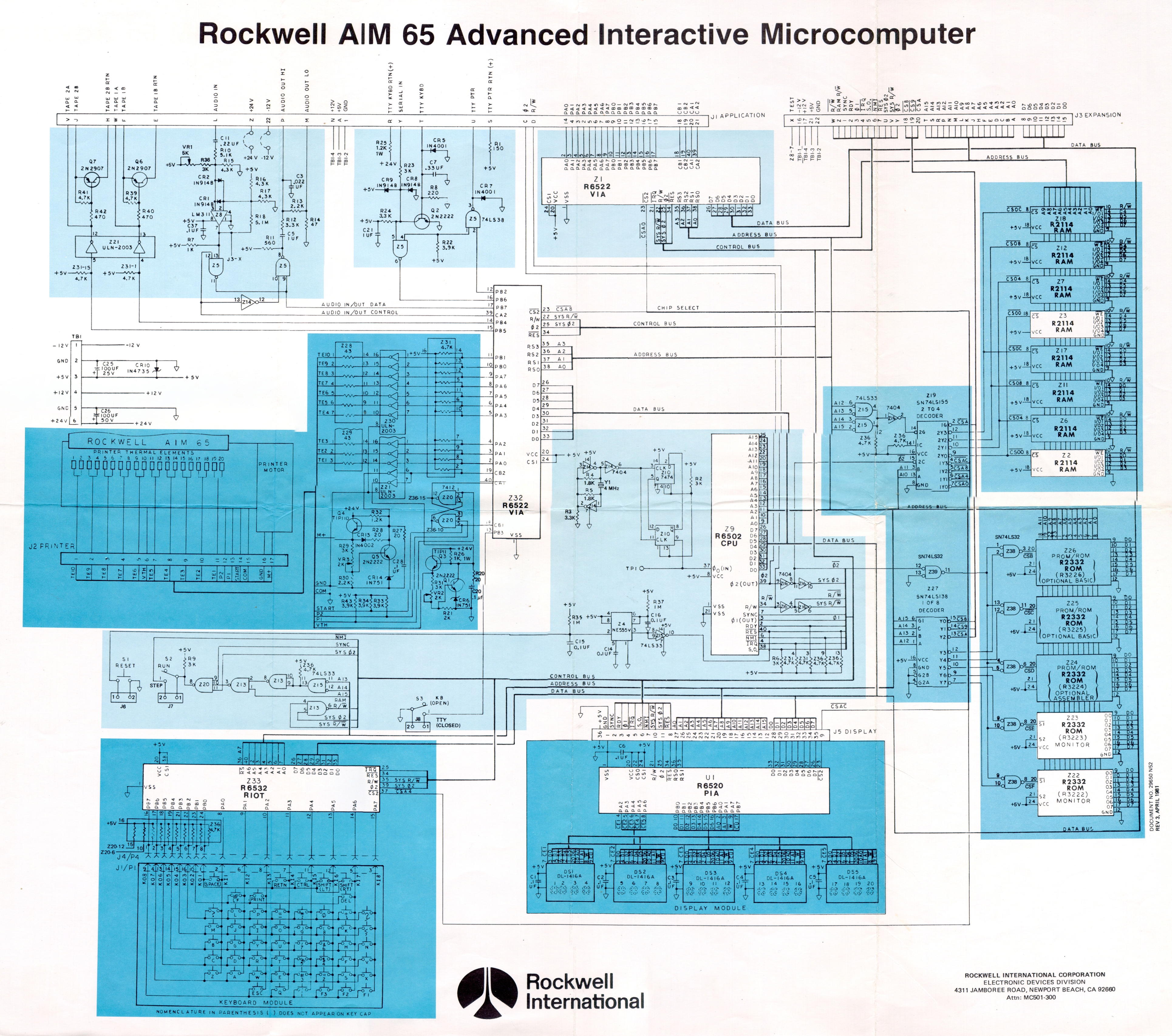
NOTE: This is a discussion about productivity tools developed for the Rockwell AIM 65. For a discussion about the AIM 65 itself, please see the article Rockwell AIM 65 in the Computer Museum section of this website.
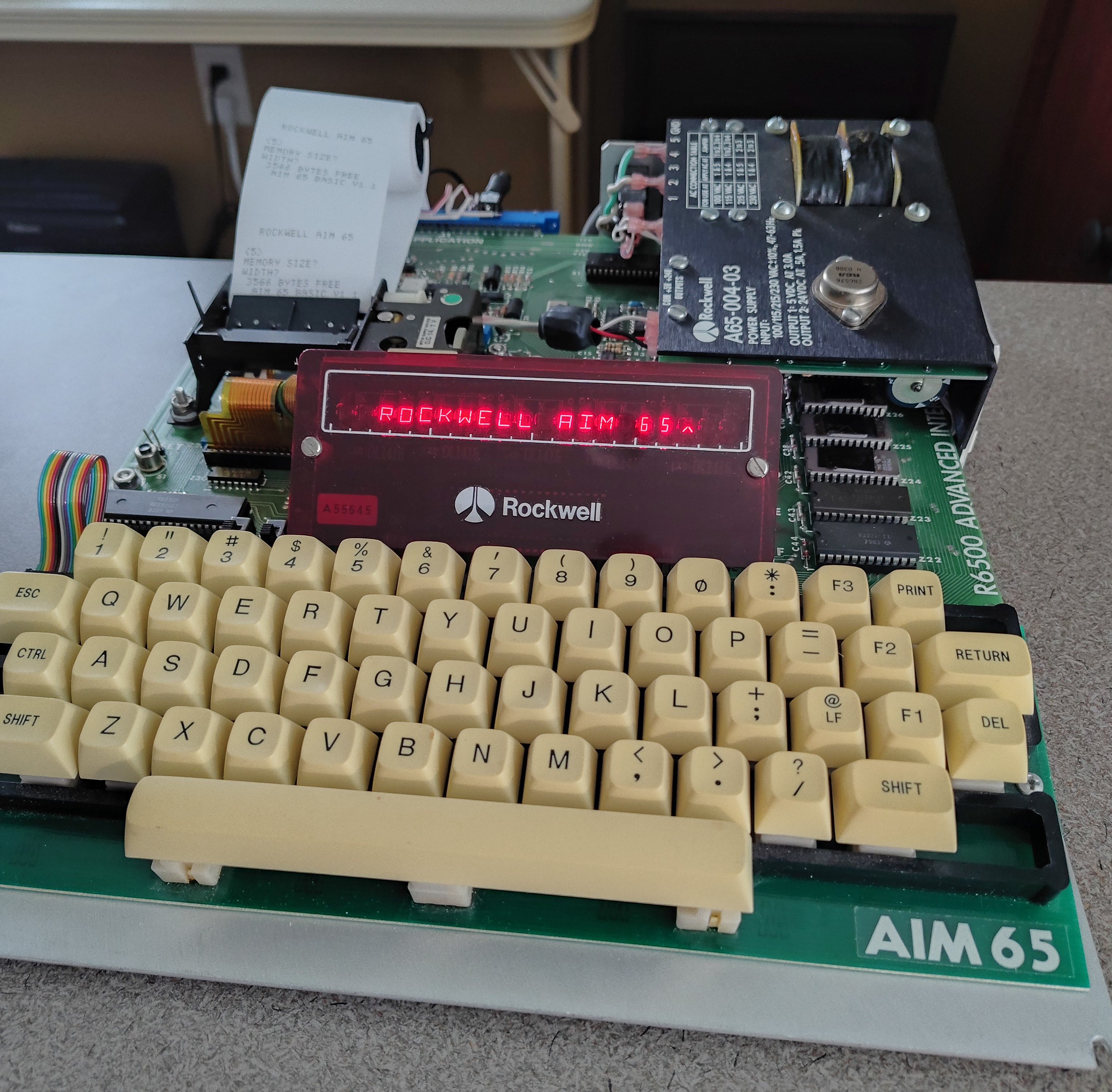
This is the Rockwell Aim 65 which was released in 1978. It's a great system, but how can you do development work on a computer that has only a 20-character display and no file system?
I used Claude AI to develop a suite of programs to help. These are:
Like most computers of this era, the AIM used cassette tapes to save and load programs. Obviously, in this day and age, we don't need cassettes; all we need is an attached laptop that can record and play back audio files.
I wanted to program the AIM in both BASIC and assembler, but the prospect of doing all that in a 20-character text window was not appealing. I figured there had to be a way to convert my program text files into a format that would fool the AIM into thinking it was loading a previously-saved program from cassette. I wanted to do in software on my desktop what the AIM did in hardware and timers in 1978. In that way, I could do my creative work on my regular desktop, then easily load those programs on the AIM.
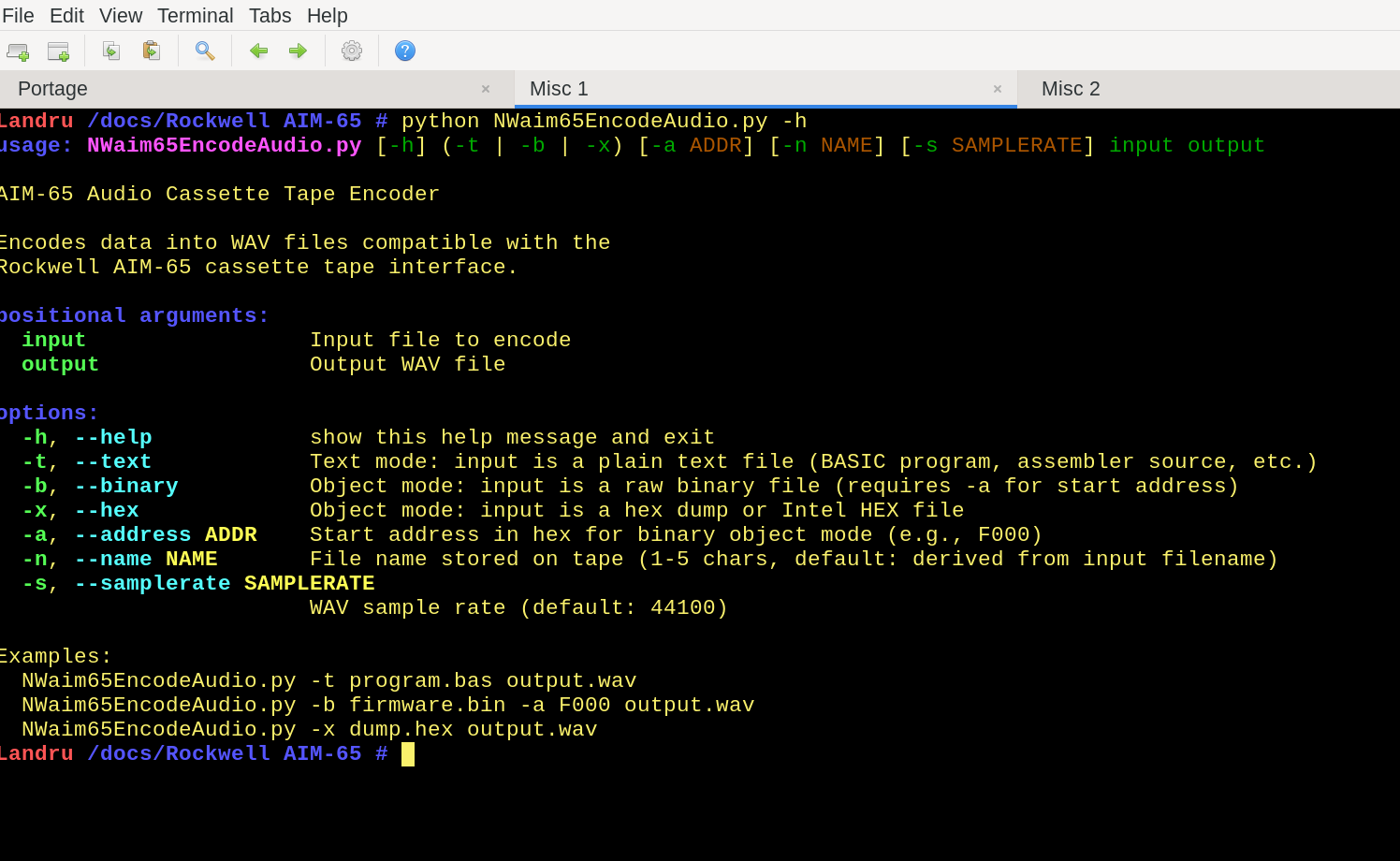
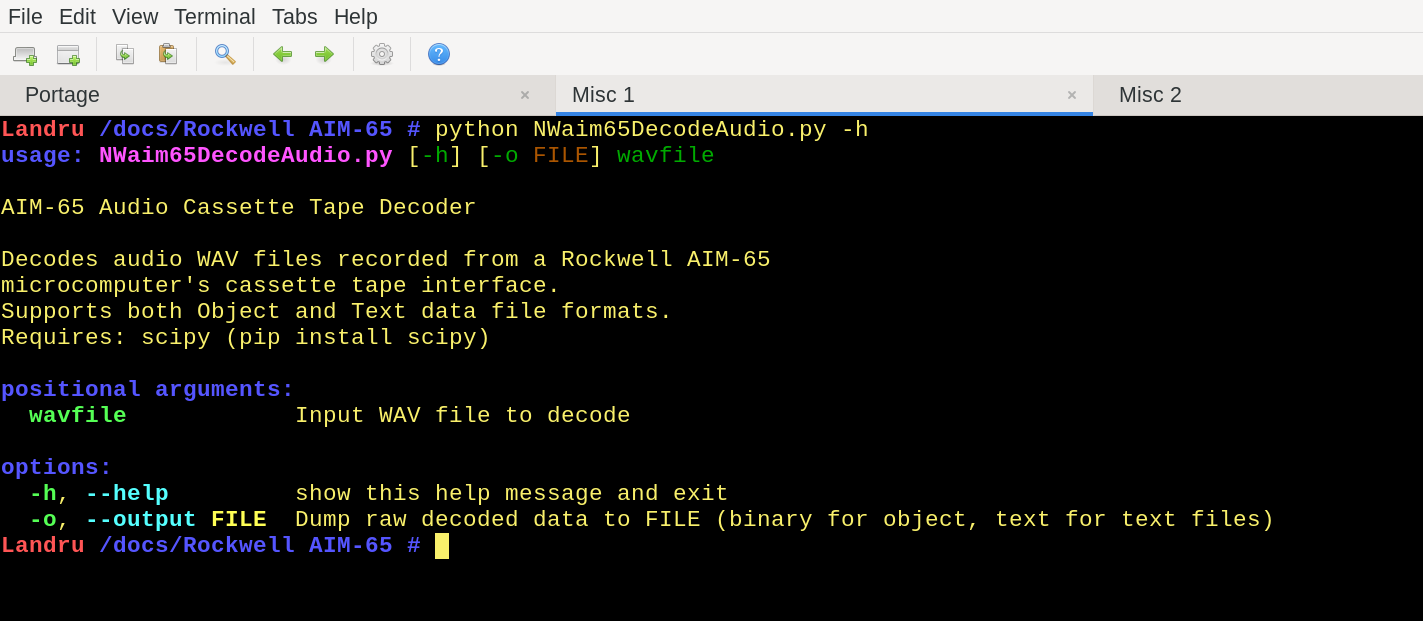
I enlisted the help of Claude AI to write 2 programs in Python:
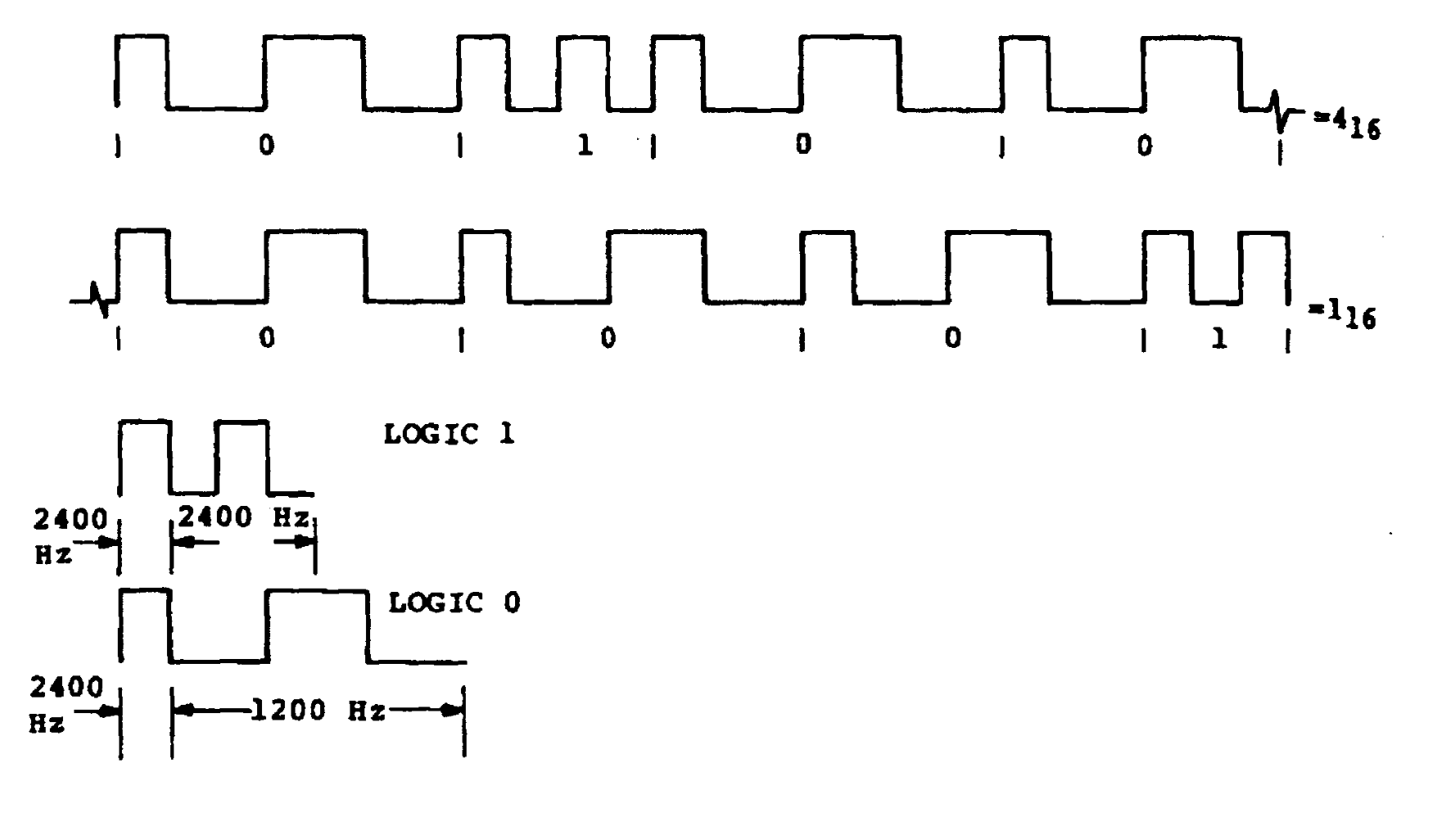
Luckily, the documentation provided with the AIM was extensive. I uploaded an excerpt from the Rockwell User Guide that described the audio encoding method. Then I gave Claude detailed instructions about what I wanted. I was pretty impressed with Claude because it only took about 20 iterations before Claude and I had an excellent set of encoding and decoding programs.
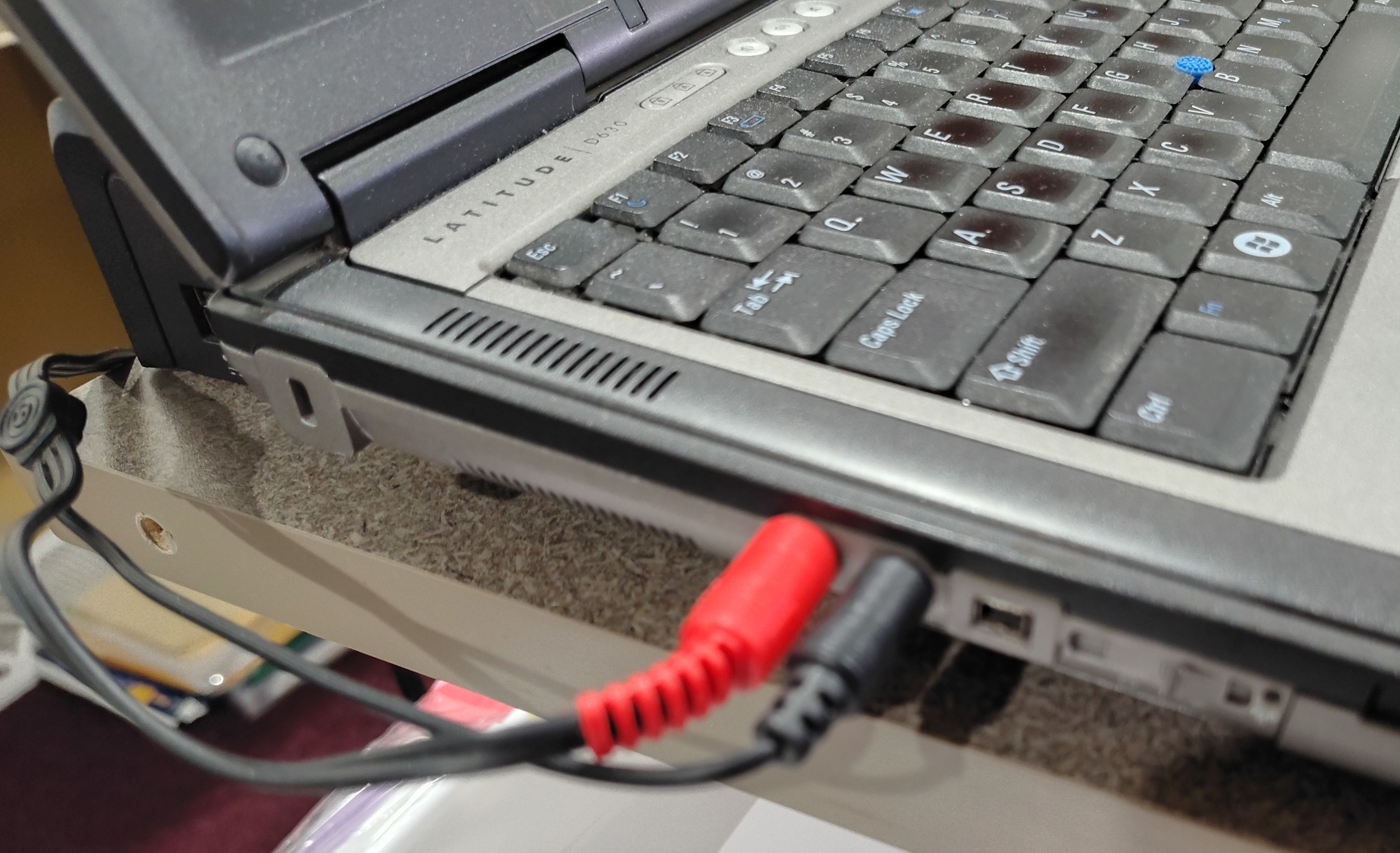
Loading programs from an laptop can sometimes be difficult. Many people apparently have trouble getting the AIM to recognize the encoded audio data in the audio stream, even if they recorded it themselves. Volume apparently is critical. In my case, I just had my laptop blast out audio data at the maximum volume my laptop's headphone jack could produce. (Of course, your mileage may vary.)
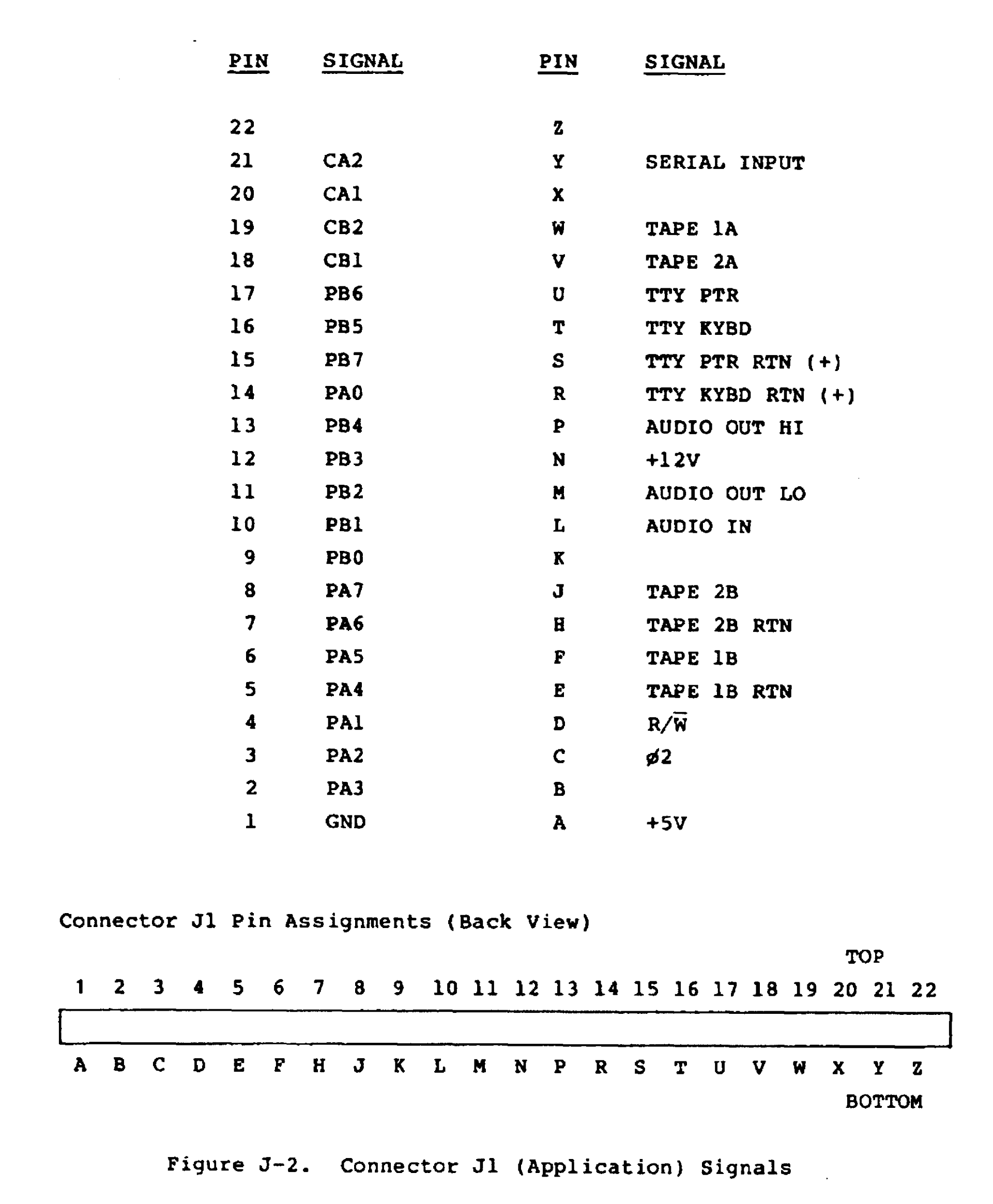
One issue I had was related to my own stupidity. The Application connector on the AIM has 44 pins, labeled 1 - 22 on one side, and A - Z on the other. (Astute observers may notice that there are only 22 lettered pins, but 26 letters in the alphabet.) When I wired a mini-audio connector to the expansion connector, I needed to use pins "L" and "P". "L" is the 12th letter of the alphabet, so I soldered my connector to the 12th pin on the connector. It took me a surprisingly long time to realize that there were four missing letters, and that I should have soldered the pin opposite pin #10 [sigh]
After Claude generated these programs, I realized that I needed a good 2-pass assembler. There are many available for the 6502 (see 6502.org), but none of them seemed right for me for one reason or another. Therefore, Claude came through again with an excellent assembler that produced output in the format of the SYM-1's RAE-1 (Resident Assembler Editor). This was a format that I had become very familiar with from back in the late 1970's when I owned a SYM. One plus for the new assembler was that it could handle the "new" opcodes added by the Western Design Center to the 65c02.
Then, as I started to write some 6502 assembly language code, I realized that I needed a way to format that source code. (I find that working on formatted source code is a lot easier if the columns line up and capitalization formats are consistent throughout the source text.) Claude once again came through with a 6502 source code formatter that fixed up columns, put comments where they belonged, and fixed capitalizations for hexadecimal numbers.
All of these tools are available for your use and (hopefully) your enjoyment.
Other Usefull Files:
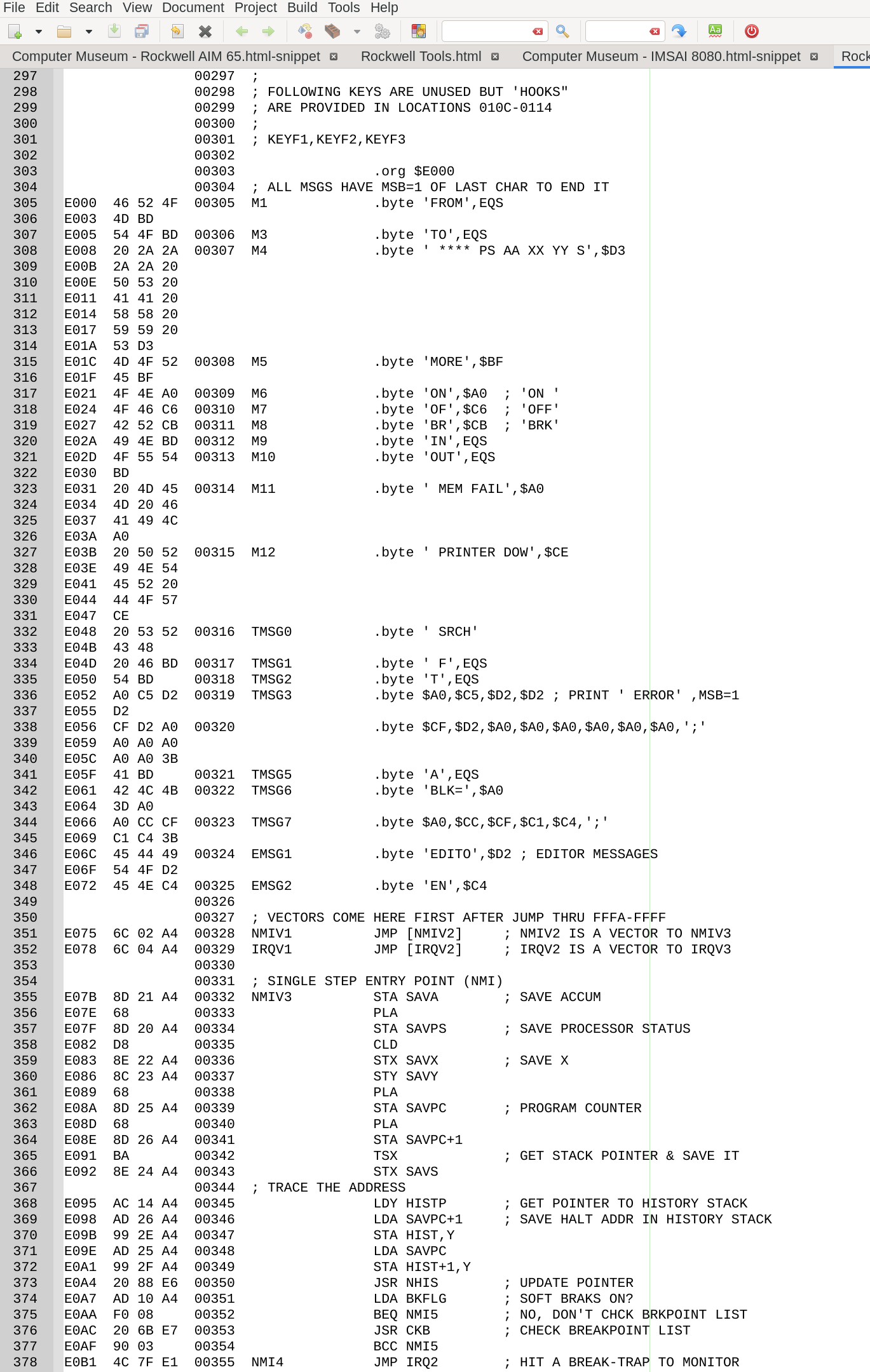
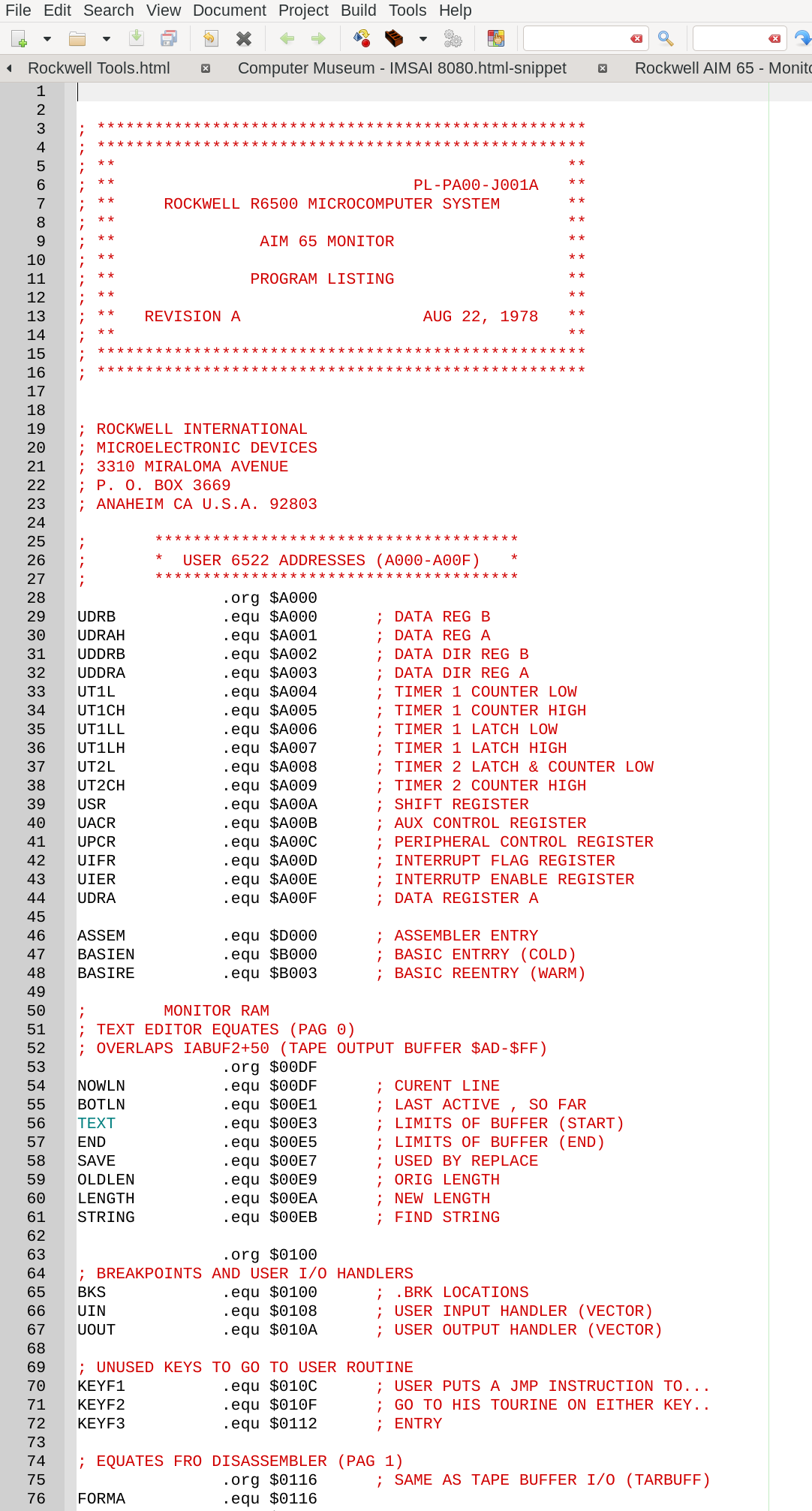
The AIM Monitor assembly language listings found on Archive.org and other sites are not 100% correct. There are a few small errors and there are "empty" areas of the AIM ROMs that are not specified in the published source code. In addition, the line numbers published by Rockwell in the User Manual don't correlate exactly to the line numbers in various published listings. The Monitor assembly source code listed above EXACTLY duplicates Rockwell's listing (except for some Assembler directives) and produces a binary file that exactly matches the AIM ROMs.
Video of the Audio Encoder tool in use, plus a quick flashy demo of the AIM display